NYC Property Manager’s Quick Guide to Maintaining an Access Control System
Access Control Upkeep for NYC Properties: Monthly Tasks and When to Call a Pro
If you manage a commercial property in New York City, you know that silence is golden. When your phone isn't ringing, it means the HVAC is working, the elevators are running, and the tenants are happy.
The moment the phone rings at 2:00 AM, it is usually a problem that cannot wait. Often, that problem is the front door. Either it won't lock, leaving the building vulnerable, or it won't open, leaving a tenant stranded on the sidewalk in the rain.
Access Control Systems are the silent workhorses of building security. We scan our cards or tap our phones thousands of times a year without thinking about the mechanics behind the beep. But like any mechanical system, they degrade. In the harsh environment of NYC – with its humidity, construction vibration, and heavy foot traffic – "set it and forget it" is a recipe for disaster.
At Streamline Telecom, we have spent nearly two decades installing and maintaining these systems across the five boroughs. We see the difference between buildings that run smoothly and those that bounce from crisis to crisis. The difference is almost always proactive maintenance.
This guide provides a practical, no-fluff framework for keeping your system healthy, ensuring your tenants stay safe and your phone stays silent.
The Physical Hardware: The "Jiggle" Test
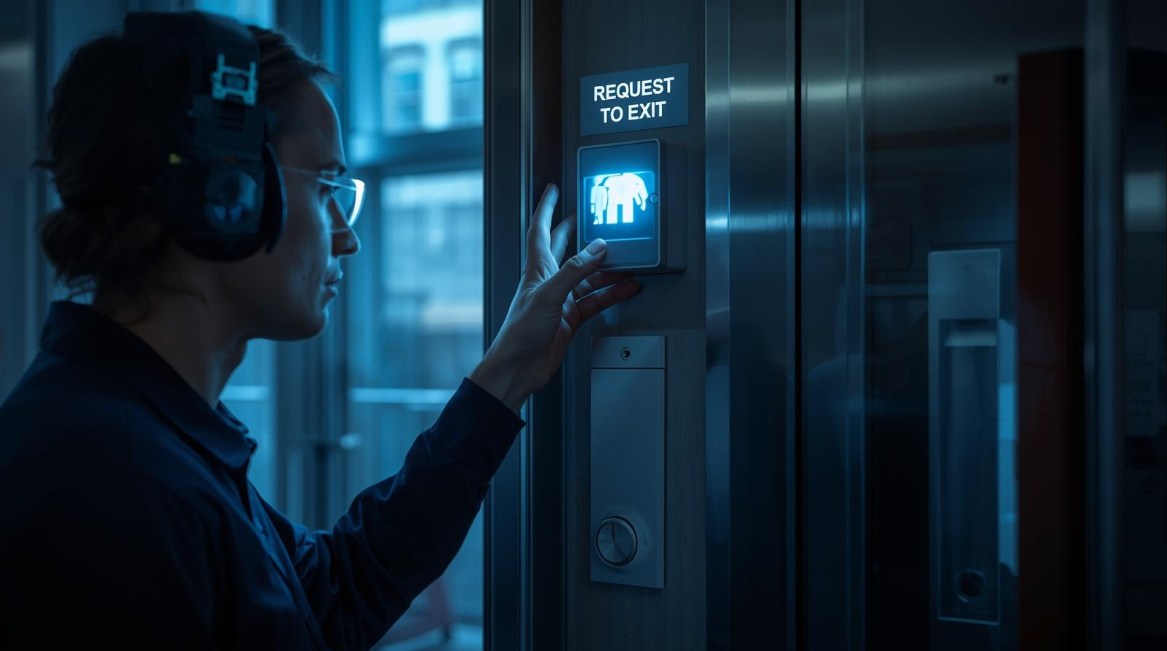
The most common point of failure in any access system is the electric lock hardware. This is the physical component that holds the door shut – usually an electric strike, a magnetic lock (maglock), or an electrified crash bar.
In a busy Manhattan office building, a single door might cycle 500 times a day. That is over 100,000 cycles a year. Screws loosen, springs fatigue, and door frames settle.
The Door Hardware Checklist
You do not need to be a technician to perform a basic health check. Walk your property once a month and look for these signs:
- The Alignment Check: Stand outside the door and watch it close. Does it latch smoothly, or does it hit the frame and bounce back? If the door closer is worn out, the electric lock never gets the chance to engage.
- The "Jiggle" Test: When the door is locked, grab the handle and give it a firm shake. Is there excessive play? A loose electric strike can be defeated with a credit card or a screwdriver if it is not aligned perfectly.
- The Maglock Bond: If you use magnetic locks, check the bond sensor. When the door closes, the magnet should grab instantly. If you can pull the door open with a sharp tug even when it is "locked," the magnet is either dirty or losing power.
- Reader Feedback: Present a card to the reader. Does it beep immediately? A delay or a lack of LED response often indicates a wiring issue or a dying reader.
If you spot these issues early, a service call is a quick fix. If you wait until the door fails, it becomes an emergency overtime call.

The Invisible Risk: Power and Batteries
The second most common failure we see involves power. Access control systems rely on a constant flow of low-voltage electricity. When the building power flickers – which happens frequently in NYC – your system relies on backup batteries.
Every main control panel has a large backup battery inside the metal enclosure. These batteries typically have a lifespan of 3 – 5 years. However, most property managers never check them.
The Scenario You Want to Avoid:
A summer storm knocks out power to your block in Queens. Your building loses power. Because the backup battery in your access panel died two years ago, the magnetic locks on the front door immediately release. Your building is now wide open to the public, and you have no idea because the system is offline.
The Power Checklist
- Battery Date Codes: Open your IT closet or security room. Locate the access control power supply. Open the box and look at the square black battery. It should have a date code stamped on it. If it is more than four years old, replace it immediately.
- Voltage Drop: If you have a multimeter, check the output. But more simply, look for the "AC Fail" light on the board. If the power goes out and the board lights go dark instantly, your battery is dead.
Data Hygiene: Who Has the Keys?
Hardware is only half the battle. The software side of your system – the database of users and cards – requires just as much attention. This is often referred to as "Data Hygiene."
In many buildings, we find databases clogged with "ghost users." These are former employees, old cleaning crews, or contractors who finished their jobs in 2019 but still have active credentials in your system.
The Database Audit Checklist
Set a reminder for every quarter (every 3 months) to perform a user audit:
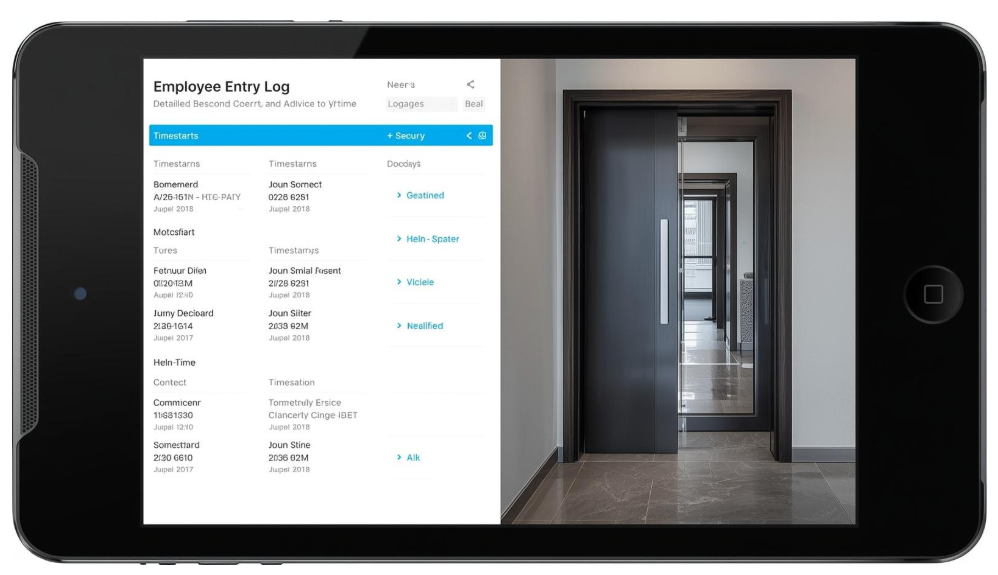
- Purge Inactive Users: Most modern systems, like Avigilon Alta vs Unity Access Control NYC, allow you to run a report of "Users with no activity in 90 days." If they haven't entered the building in three months, deactivate their card.
- Check Admin Privileges: Who has administrative access to your system? If a former property manager still has a login, that is a massive security risk. Ensure only current, authorized staff can make changes.
- Review Schedules: Do your doors unlock automatically from 9 AM to 5 PM? Check these schedules regularly. We often see holiday schedules that were never removed, leaving doors unlocked on days the business is closed.
The Infrastructure: Cables and Closets
This is where Streamline Telecom separates itself from the "trunk slammers." The reliability of your system depends heavily on the quality of the cabling in the walls and ceilings.
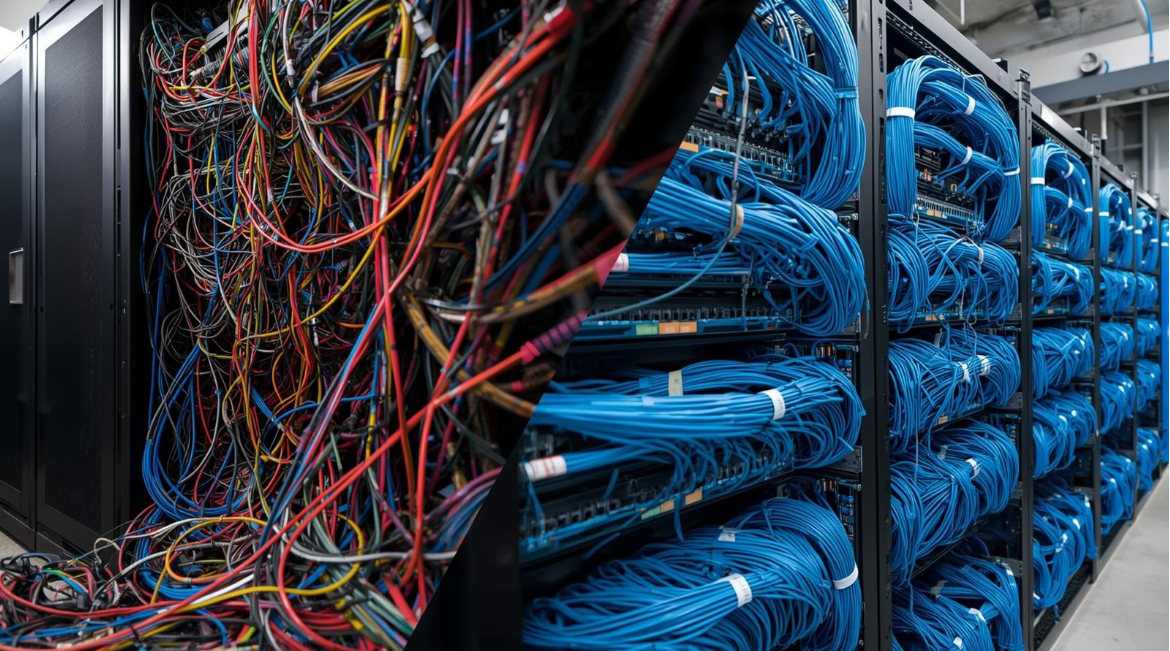
We frequently take over maintenance for buildings where the previous contractor left a "bird's nest" of wires in the server room. Cables are tangled, unlabeled, and draped over hot pipes. This isn't just ugly; it makes troubleshooting expensive. If a technician has to spend three hours tracing a single wire because it wasn't labeled, you are paying for those three hours.
The Infrastructure Checklist
- Visual Inspection: Go to your IT room. Do the panels look organized? Are the wires bundled with Velcro and routed neatly?
- Labeling: Can you look at a cable and know which door it goes to? If not, consider having a professional perform a "trace and label" service.
- Environment: Is the equipment room dusty or overheating? Dust is the enemy of electronics. Ensure the room is ventilated and clean.
We take pride in our work. When we perform an
Access Control Installation, we organize the system so that it looks like it belongs on the cover of a magazine. This makes future maintenance faster and cheaper for you.
When to Call a Professional vs. DIY
Property managers are resourceful. You fix plenty of things yourself. But knowing when to call a professional integrator is key to risk management.
DIY Safe:
- Adding/removing users in the software.
- Running reports.
- Visual inspections of doors.
- Replacing batteries (if comfortable with basic low voltage).
Call a Professional When:
- The Door Won't Lock/Unlock: This usually involves the electric lock hardware or the controller relays. Messing with this can permanently damage the board.
- Software Crashes: If your server is acting up, or you are running an outdated operating system (like Windows 7), you need an expert. It might be time for an Access Control Upgrade NYC to a cloud-based solution.
- Cabling Issues: If a rat chewed a wire or a construction crew cut a line, you need Fiber Optic Services to splice or re-run the line to BICSI standards.
Upgrading vs. Maintaining: The 10-Year Rule
No amount of maintenance can save a system that is functionally obsolete.
In the security industry, the general rule of thumb is 10 years. If your access control system was installed more than a decade ago, you are likely spending more on service calls than the system is worth.
Legacy systems often lack the encryption to stop card cloning, and they cannot integrate with modern mobile credentials. If you find yourself repairing the same door controller every six months, stop throwing good money after bad. A modern cloud-based system will eliminate the server maintenance entirely and give you remote control capabilities that save you trips to the building.
Summary Checklist for Property Managers
Here is a quick recap you can copy and paste into your maintenance logs:
Monthly:
- Perform the "Jiggle Test" on all exterior doors.
- Verify all readers beep and light up immediately.
- Check that doors latch completely on their own.
Quarterly:
- Audit user list: Remove inactive employees/vendors.
- Check holiday/door unlock schedules.
- Clean camera lenses (if integrated with video).
Yearly:
- Inspect backup batteries for dates and swelling.
- Vacuum/clean the main control panel and IT closet.
- Schedule a preventative maintenance visit with your integrator.
Final Thoughts: The Value of a Good Partner
You have enough on your plate without worrying if the front door is secure.
At Streamline Telecom, we are dedicated to our timelines and responsive communication. We don't go missing when you need us. Whether you need a quick repair, a full system audit, or a new installation, we treat your building with the respect it deserves.
We charge fair prices – we aren't the cheapest "trunk slammer" who will leave you with a mess, nor are we the most expensive corporate giant. We are the reliable middle ground that gets stuff done.
Need a system health check?
If you aren't sure about the state of your batteries, your wiring, or your door hardware, let us take a look. We can provide a comprehensive audit and help you get back to the silent, boring days of a building that just works.
Contact Streamline Telecom today to secure your peace of mind.
More Posts From Our Blog